
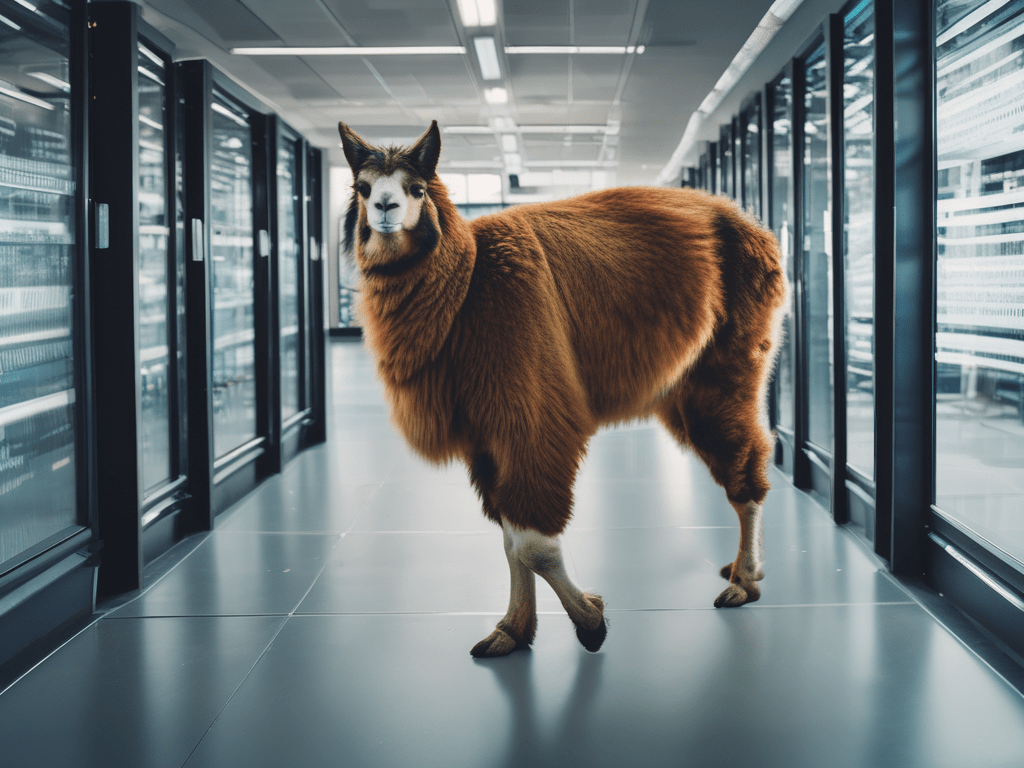
In this example I would like to demonstrate the use of the llama 3.1 AI Large Language Model. In this example a locally running llama 3.1 will inspect a VMware ESXi vmkernel log. I am using an Apple MacBook Air M2 with 16GB of RAM. If you are using a Windows or Linux system theContinue reading “Inspect VMware ESXi log with local llama3.1 AI.”
Author Archives: txusa
System Requirements for VMware Products 2023
System Requirements for VMware products on a single page.
Where are the VCDX in 2023
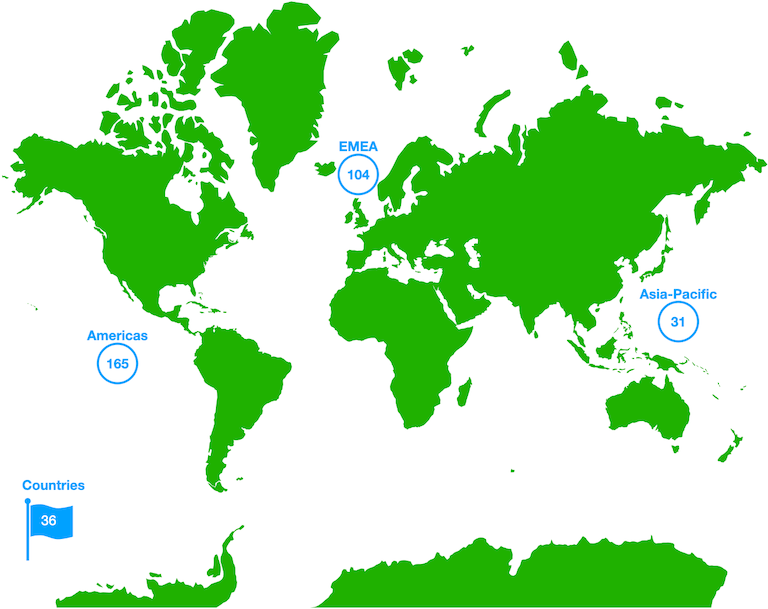
The world of VMware Certified Design Experts (VCDX)
Where are the VCDXs
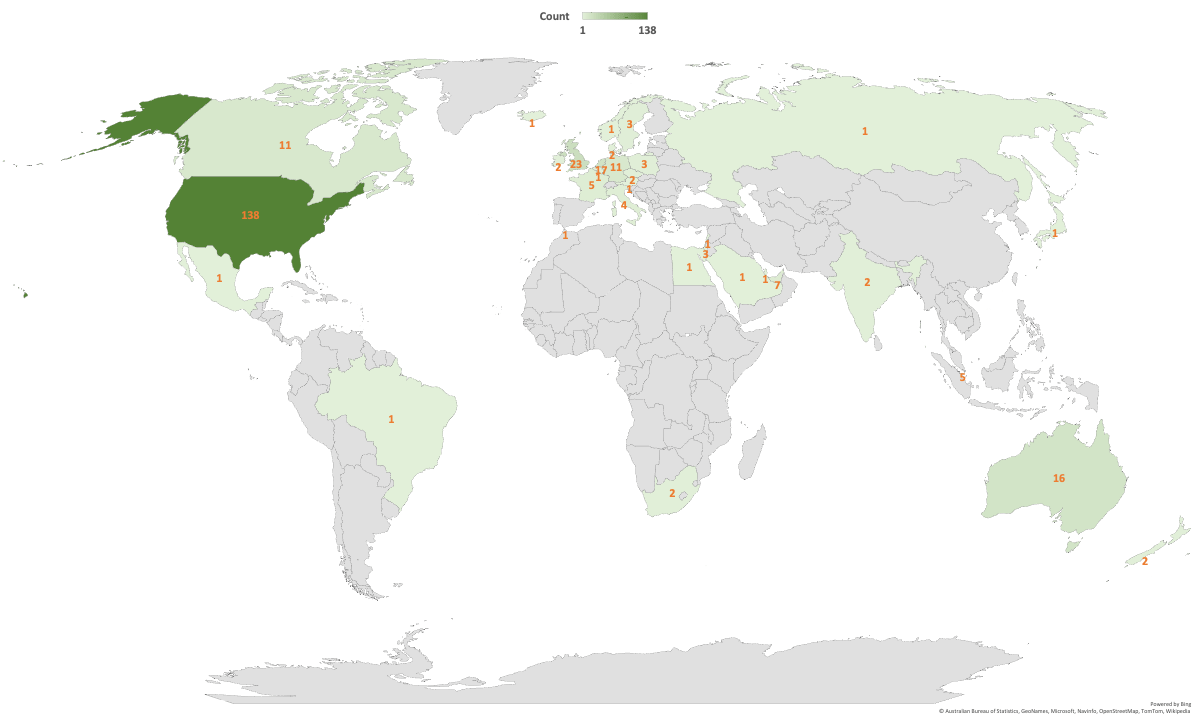
VMware Certified Design Experts (VCDX) is an elite group of VMware Experts. VMware CEO, Pat Gelsinger, has called it the “PhD” of VMware. As of February 6. 2021 there are 292 VCDX in the world. To put that number in perspective, there are fewer Representatives in the US House Of Representatives. According to this postContinue reading “Where are the VCDXs”
vRO context action in web client
If you have successfully registered your vRealize Orchestrator (vRO) in the vCenter Web Client you can add your workflows as a context action. Follow Add vRO 8.x extension to vCenter Web Client for details on how to register the vRO in vCenter. What does context action mean. Well it means that your workflow becomes selectableContinue reading “vRO context action in web client”
Add vRO 8.x extension to vCenter Web Client
In previous versions of vRealize Orchestrator and with the vCenter Flash Web Client, it was very straight forward to add the extension to the vCenter Flash Web Client. You simply ran the vRO workflow “Register vCenter Orchestrator as a vCenter Server extension” and that was it. If you do that with vRO 8.x you willContinue reading “Add vRO 8.x extension to vCenter Web Client”
Add a vAPI endpoint to vRO
I recently posted a post with a workflow that updates the vCenter Server Appliance. For this to work we have to add the vAPI endpoint first. The endpoint name must be the VCSA hostname. The workflow uses the vCenters guest full qualified hostname to connect with the vAPI endpoint. I quickly explain how to addContinue reading “Add a vAPI endpoint to vRO”
‘One Click’ VCSA Update
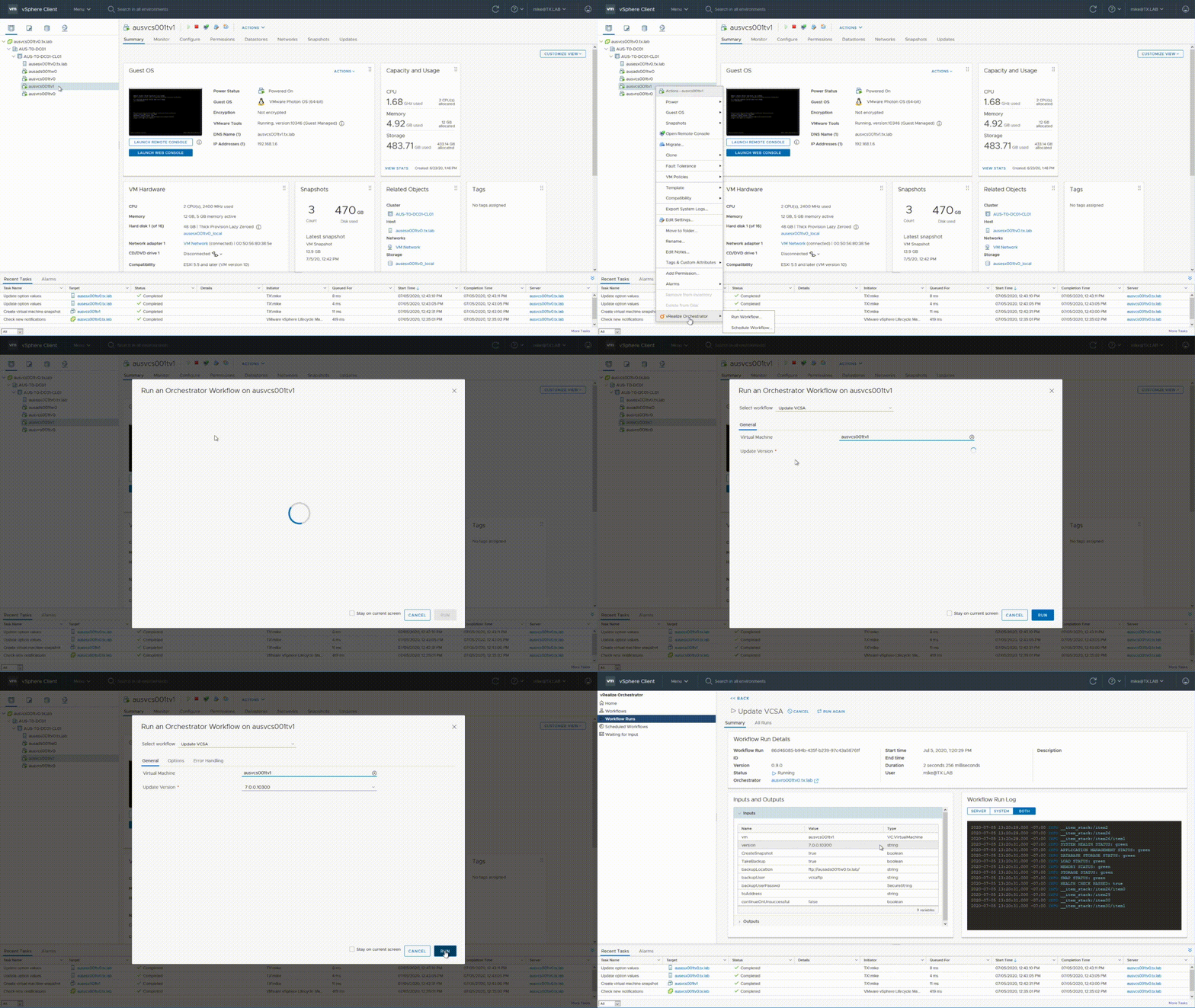
I have created a vRealize Orchestrator (vRO) workflow that updates VCSA. If integrated into the vSphere Web Client it is just one click from the workflow to start an update of the vCenter – VCSA. There are a couple of options that you can change. Of course then it is more than one click. DownloadContinue reading “‘One Click’ VCSA Update”
System Requirements for VMware Products 2020
Most system (hardware) requirements on a single page. I hope it will be useful to you. I also have added the links to the source. vSphere vCenter Server Appliances 7.0 (VCSA) https://docs.vmware.com/en/VMware-vSphere/7.0/com.vmware.vcenter.install.doc/GUID-457EAE1F-B08A-4E64-8506-8A3FA84A0446.html Product Size vCPU vRAM Storage Comment vCenter VCSA tiny 2 12 GB 315 GB 10 hosts and 100 VMsdefault storage vCenter VCSA tiny-lstorageContinue reading “System Requirements for VMware Products 2020”
PowerCLI – Update VCSA
This post will be about how to update the vCenter Server Appliance through the rest API using the PowerCLI. First we need check online or the CD for the new update. So let’s take a look at the API again: https://vmware.github.io/vsphere-automation-sdk-rest/vsphere/index.html The general purpose of my posts is more to show you how to doContinue reading “PowerCLI – Update VCSA”
 TXUSA
TXUSA 