
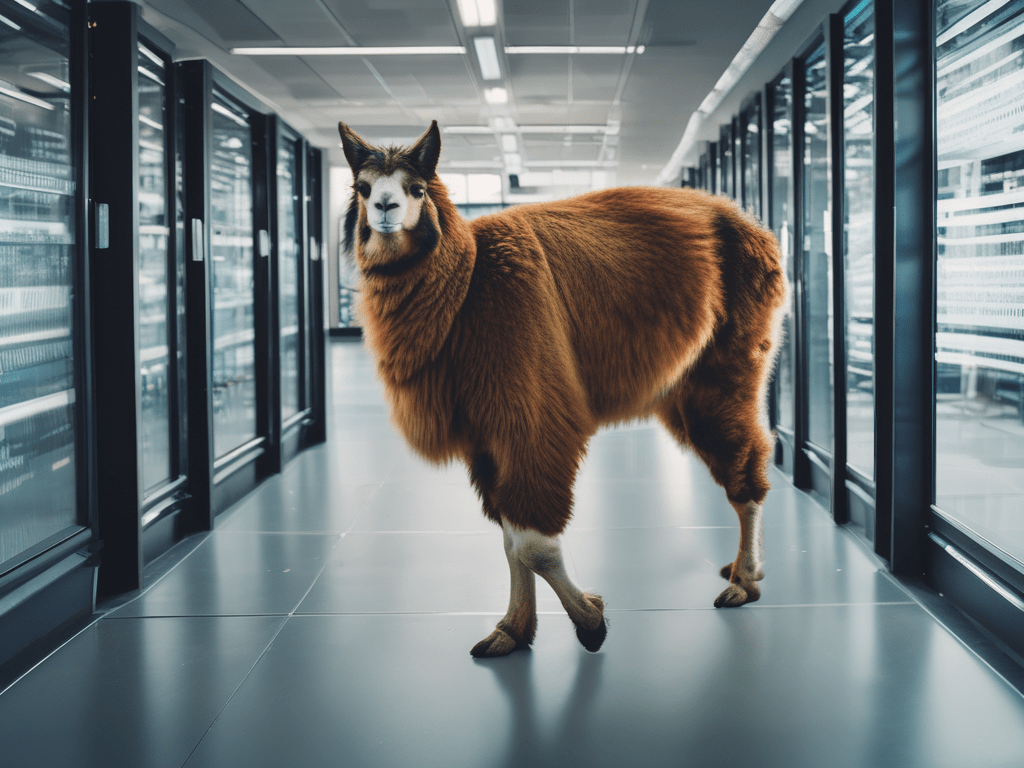
In this example I would like to demonstrate the use of the llama 3.1 AI Large Language Model. In this example a locally running llama 3.1 will inspect a VMware ESXi vmkernel log. I am using an Apple MacBook Air M2 with 16GB of RAM. If you are using a Windows or Linux system theContinue reading “Inspect VMware ESXi log with local llama3.1 AI.”
Category Archives: PowerCLI
PowerCLI – Update VCSA
This post will be about how to update the vCenter Server Appliance through the rest API using the PowerCLI. First we need check online or the CD for the new update. So let’s take a look at the API again: https://vmware.github.io/vsphere-automation-sdk-rest/vsphere/index.html The general purpose of my posts is more to show you how to doContinue reading “PowerCLI – Update VCSA”
PowerCLI – Reboot VCSA through appliance rest API.
This one might be an easy one. When you are getting started with learning something maybe an easy one is the best way to start. So lets look at the API. https://vmware.github.io/vsphere-automation-sdk-rest/vsphere/index.html I am not sure how /rest/appliance/shutdown translates into com.vmware.appliance.shutdown but it does. Maybe it is just something you have to remember or lookupContinue reading “PowerCLI – Reboot VCSA through appliance rest API.”
PowerCLI – Configure VCSA update policy
It took me a little while to figure this one out, since I am new to this rest API thing and I find the old API documentation easier. On VMware’s homepage I was not able to find the API for vSphere 6.7, only 6.5. https://code.vmware.com/apis/60/vcenter-server-appliance-management However you can access the API explorer directly on theContinue reading “PowerCLI – Configure VCSA update policy”
 TXUSA
TXUSA 